
The Harlandale ISD School-to-Home Communication Tool
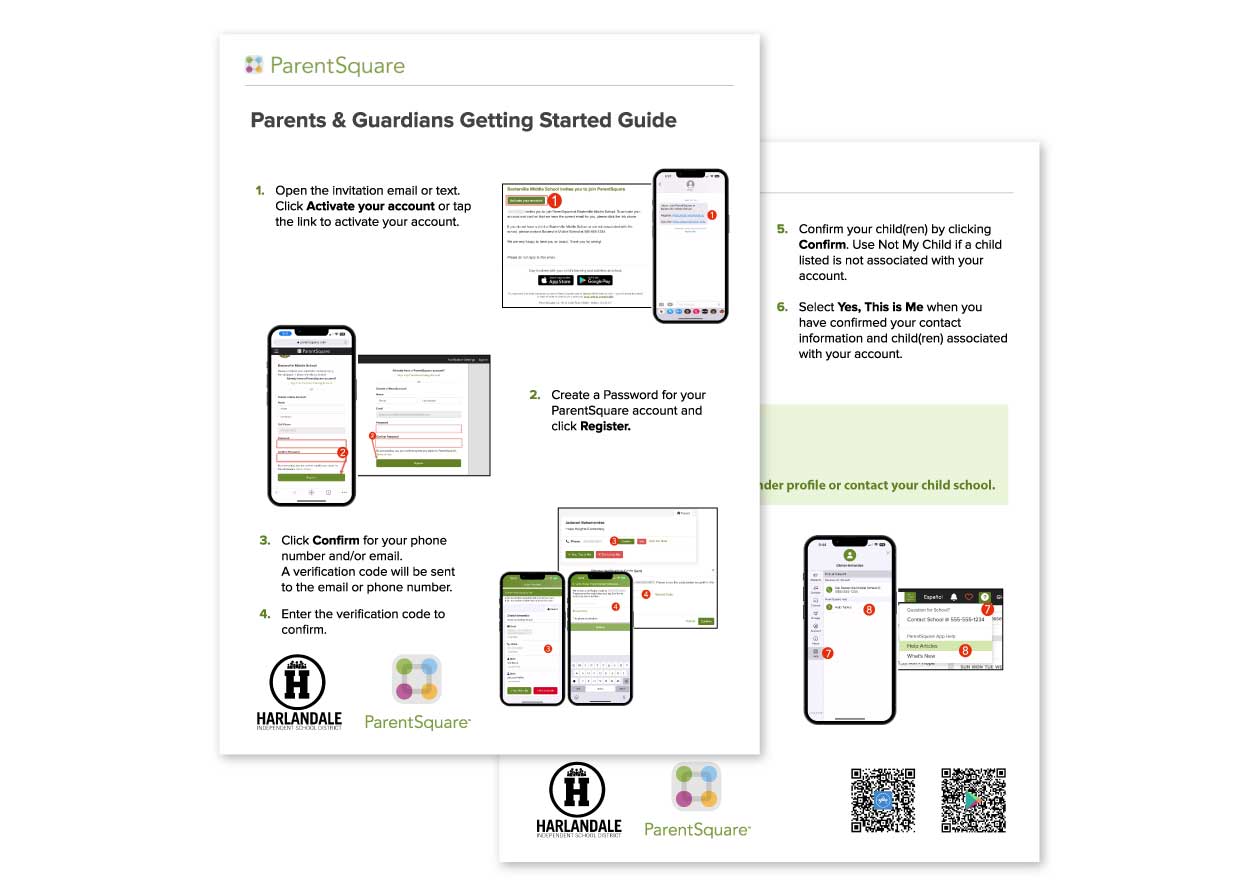
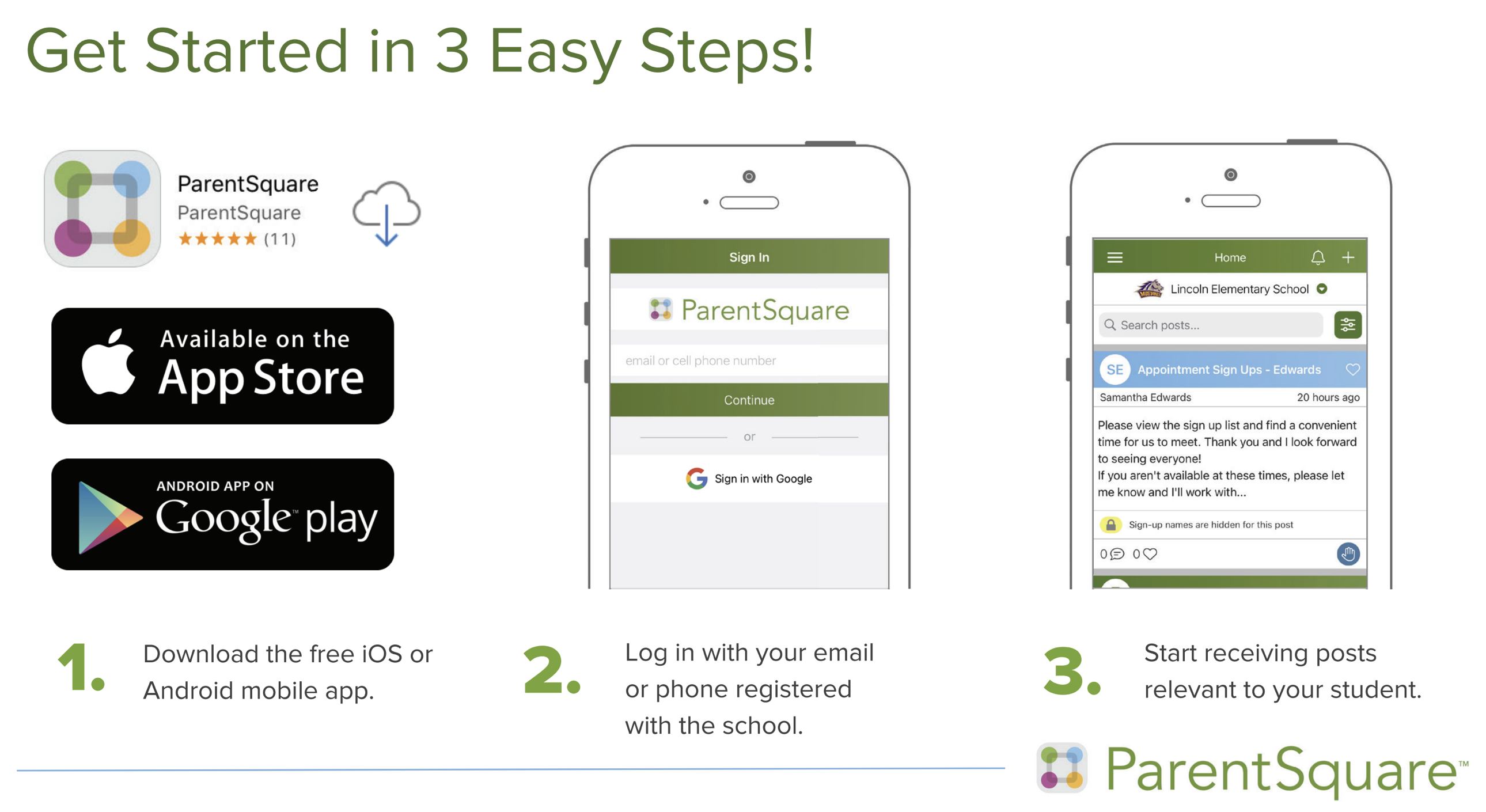
To get started, visit the ParentSquare website and click “Register.” You’ll be prompted to enter your email or phone number. Prefer to use your phone? Use the QR code on this page to download the ParentSquare app from the Google Play Store or Apple App Store and follow the same steps to register.
Questions? On the app, tap the triple bar icon at the top left and select the Help tab. On the website, click the question mark icon in the top right corner for support.
If you’re experiencing any issues, click here to let us know and a member of our team will follow up.
We’re excited to offer this new platform as part of our ongoing efforts to keep you informed and connected. We encourage all families to sign up and explore the features available through ParentSquare.
Download The ParentSquare App